
Legal land locations (DLS)
Type the LSD. Your crew gets a map pin.
Out here, half the jobs have no street address. Dispatch reads Dominion Land Survey descriptions right in the job's location field and turns them into a map link the operator can open from their phone.
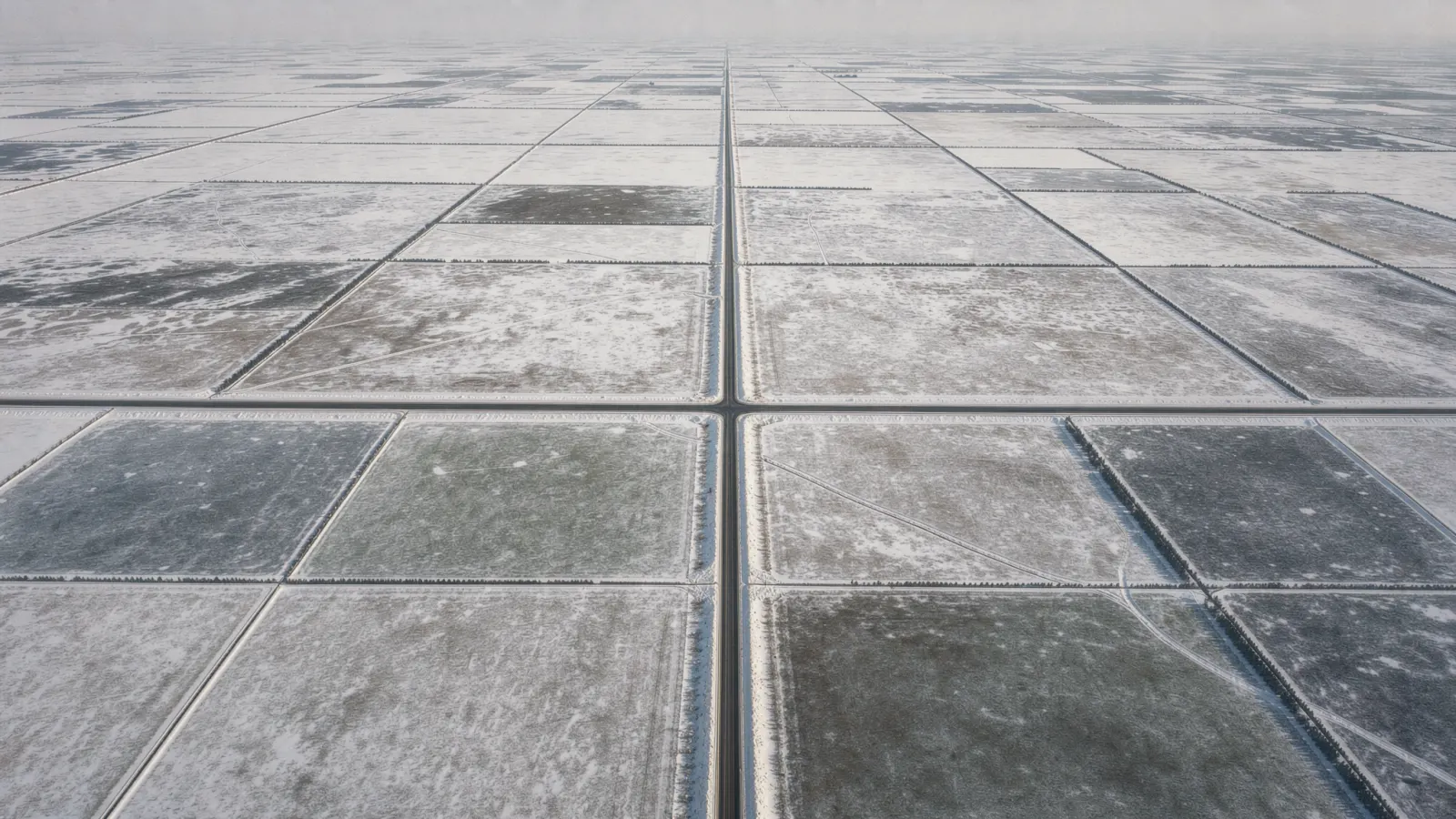
A lease location is not an address
The customer sends 14-36-85-17 W6. Someone in the office opens a converter website or a paid app, copies the coordinates, pastes them into a text, and hopes nothing got swapped along the way.
That is one more subscription, one more tab, and one more place for a typo to send a truck down the wrong road. When the crew calls asking where they are going, the office does it all again.
How Dispatch handles it
-
Detected as you type
Enter the legal land description in the job's location field like you already write it. Dispatch recognizes the LSD, section, township, range and meridian.
-
A map pin for the crew
The operator's text and their job screen carry a map link to the location, so they tap once and drive.
-
Built on the survey grid
Coordinates come from the Dominion Land Survey grid and are checked against provincial survey data where it is available.
-
No converter subscription
There is no separate app to buy and no copying coordinates between screens. The location lives on the job, once.
-
Turn it on when you need it
DLS detection is a company setting. Shops that only work at street addresses can leave it off.
How it works
- 1
Enter the location
Type the legal land description on the job, the same way it came from the customer.
- 2
Dispatch finds it
The description is recognized and converted to a map location for the job.
- 3
Assign the crew
The operator gets a text with the job details and a map link.
- 4
Drive to the pin
They open the link on their phone and head out. No calls back to the office for directions.
Fair questions.
Which format does it understand?
The standard Western Canadian DLS format, for example 14-36-85-17 W6: legal subdivision, section, township, range and meridian.
How accurate is the pin?
It points to the legal subdivision, which is the area the description covers, not an exact gate or wellhead. Add a note on the job for the lease road or access point.
Do I still need a converter app?
Not for getting crews to a legal land location. Dispatch handles the conversion on the job itself.
What about jobs with a normal street address?
Those work as usual. The location opens as a map link either way.
Keep exploring
Solutions
Use cases

See it yourself.
Start a free trial set up with your own jobs and rates. It begins with a 20-minute call, and you will be talking to a founder.
Book a demo